

Disney Zoom backgrounds for work calls
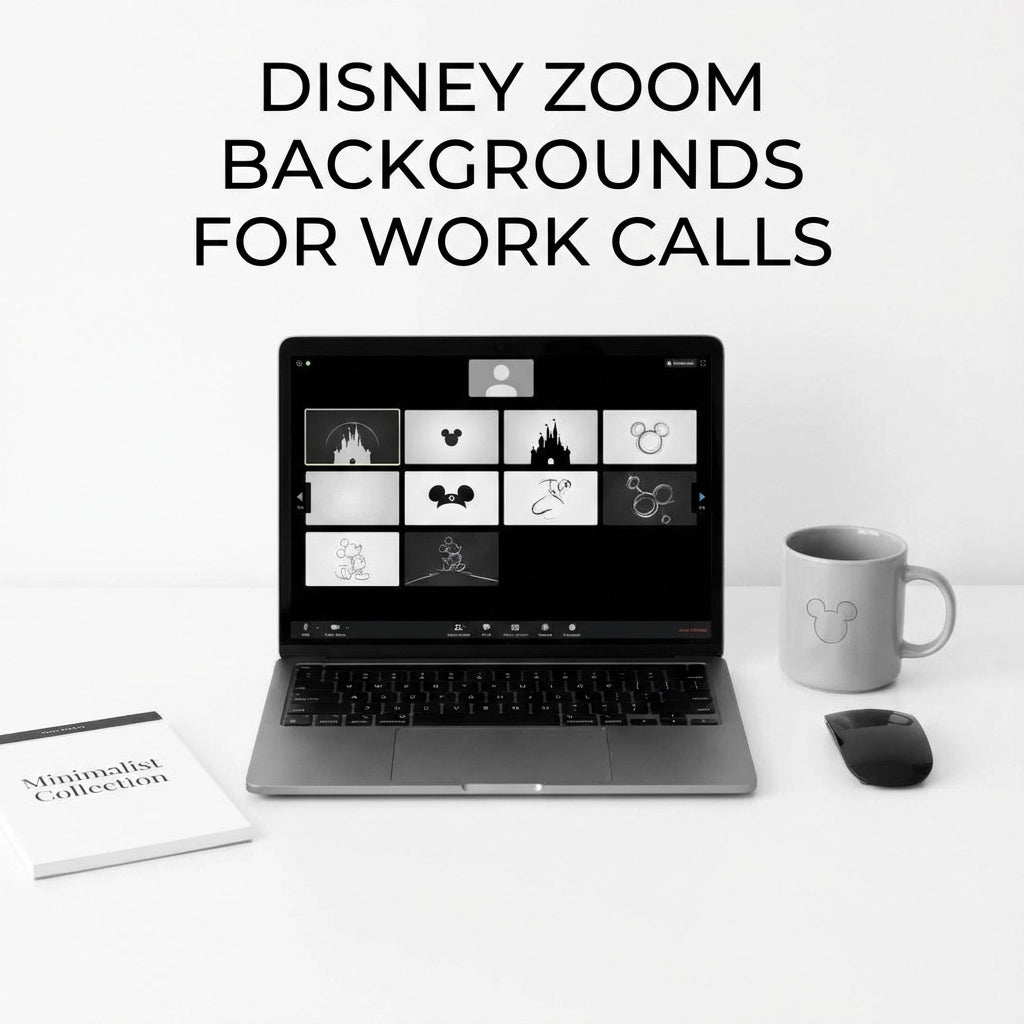
Working from home doesn't have to mean sacrificing the magic! Whether you're presenting quarterly reports or catching up with colleagues, Disney Zoom backgrounds can add just the right touch of whimsy to your work calls while keeping things professional. Let's explore how to bring a little pixie dust to your virtual meetings.
Why Disney Backgrounds Work for Professional Calls
You might wonder if Disney backgrounds are too playful for work, but here's the thing: they're actually perfect conversation starters and can help create a more relaxed atmosphere during those sometimes-stiff video conferences. A subtle Disney background shows personality without being distracting, and trust us, your coworkers will appreciate the dose of nostalgia during their busy day.
The key is choosing backgrounds that feel magical but not overwhelming. Think scenic castle views rather than animated character close-ups. Disney's vast library of beautiful locations provides plenty of sophisticated options that work perfectly in professional settings.
Where to Find Official Disney Zoom Backgrounds
Disney has been incredibly generous with their background offerings, providing high-quality images that look professional on camera. Here are the best official sources:
DisneyMagicMoments.com is your treasure trove for officially licensed backgrounds. This Disney portal offers backgrounds from Disney Channel shows, Walt Disney Animation Studios films, and stunning Disney parks photography. The quality is consistently excellent, and you know you're getting authentic Disney imagery.
Pixar's Collection features some of the most beautiful animated backgrounds you'll find anywhere. Scenes from Toy Story, Finding Nemo, Up, WALL•E, and Coco provide colorful yet professional-looking options. The Up house floating among clouds is particularly popular for its dreamy, aspirational vibe.
Disney Princess backgrounds offer elegant options featuring scenes from beloved films like The Little Mermaid, Tangled, Cinderella, Beauty and the Beast, and Moana. These tend to be more colorful and can work well for creative teams or less formal meetings.
Marvel backgrounds provide a different flavor entirely. Locations like Avengers Headquarters and Wakanda offer sleek, modern aesthetics that feel more traditionally professional while still showing your Disney (and superhero) love.
Disney Parks: The Perfect Professional Choice
For work calls specifically, Disney Parks backgrounds are often your best bet. These real-world locations provide that magical Disney feeling without the animated elements that might feel too playful for certain professional contexts.
Walt Disney World backgrounds include iconic spots like:
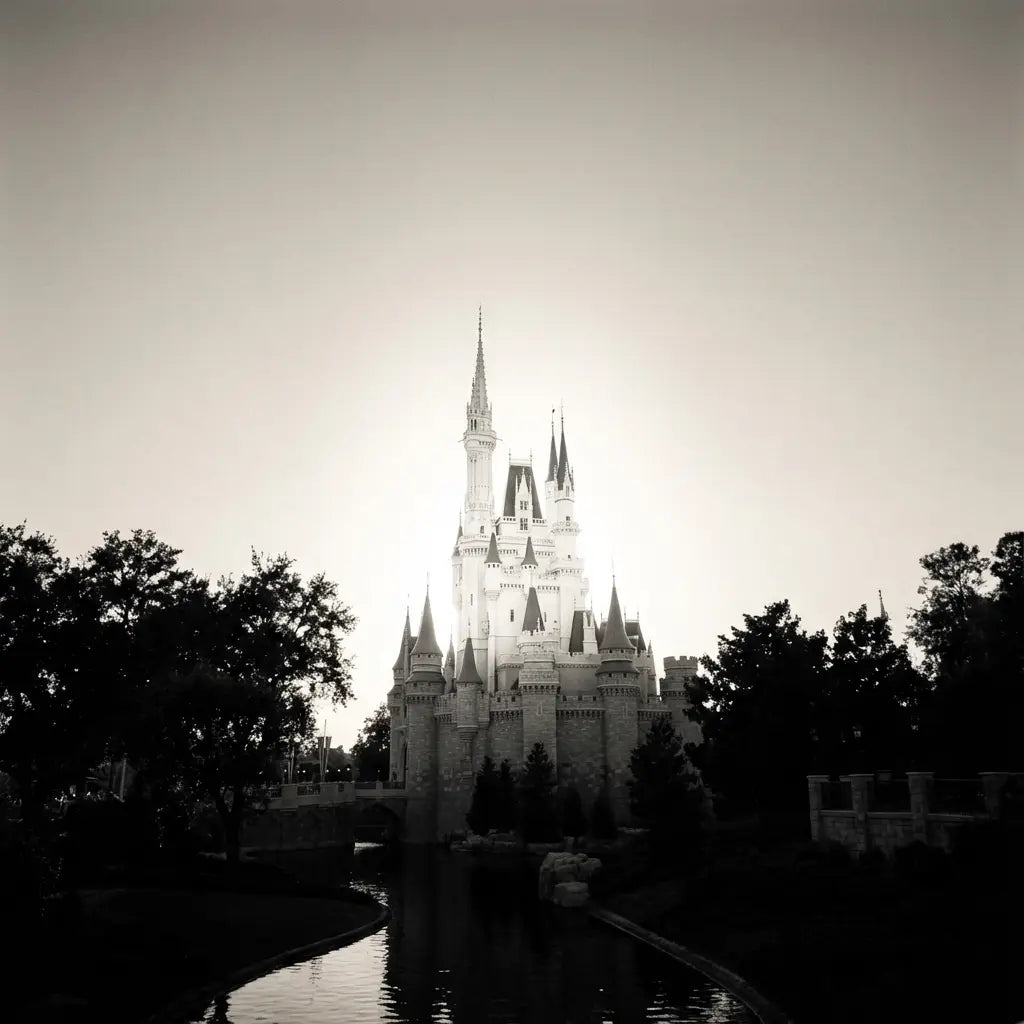
- Cinderella Castle during the day (classic and recognizable)
- Spaceship Earth at Epcot (futuristic and inspiring)
- The Tree of Life at Animal Kingdom (nature-themed and calming)
- Hollywood Studios' vintage Hollywood aesthetic
Disneyland backgrounds offer that original Disney charm:
- Sleeping Beauty Castle (smaller but equally magical)
- Main Street U.S.A. (nostalgic Americana)
- New Orleans Square (sophisticated and atmospheric)
International Disney Parks provide unique options:
- Tokyo Disney's unique attractions and seasonal decorations
- Disneyland Paris's European castle design
- Shanghai Disney's futuristic Tron-inspired areas
Timing Matters: Day vs. Night Backgrounds
Here's a pro tip that many people overlook: choose daytime Disney backgrounds over nighttime ones for most work calls. Why? Most business meetings happen during daylight hours, so a daytime background feels more natural and appropriate.
Nighttime Disney backgrounds, while absolutely gorgeous with their magical lighting and fireworks, can feel a bit too party-like for morning strategy meetings or afternoon client calls. Save those stunning nighttime castle shots for after-hours team social calls or virtual happy hours.
That said, evening backgrounds work beautifully for:
- Late afternoon calls with West Coast colleagues
- International calls where it might actually be evening somewhere
- Creative brainstorming sessions where you want to inspire imagination
- End-of-week team celebrations
Setting Up Your Disney Zoom Background
Getting your Disney background up and running is surprisingly simple:
- Download your chosen background from one of the official Disney sources
- Open Zoom and click the gear icon under your profile picture to access settings
- Select "Virtual Background" from the left menu
- Click the + symbol above the pre-loaded background images
- Upload your Disney background and select it
Pro tip: Test your background before important meetings! Different lighting conditions in your space can affect how well the background works. If you're having trouble with the virtual background feature, try positioning yourself in front of a solid-colored wall, ideally white or light-colored.
Choosing the Right Background for Your Meeting Type
Not all Disney backgrounds work for every type of professional interaction. Here's how to match your background to your meeting:
Client presentations: Stick with elegant castle views or sophisticated park landscapes. Cinderella Castle during golden hour or the Italy Pavilion at Epcot work beautifully.
Team brainstorming sessions: This is where you can get more creative! Pixar backgrounds from Up or WALL•E can inspire out-of-the-box thinking.
One-on-one meetings: Choose backgrounds that aren't too busy or distracting. Simple park pathways or gentle castle views work well.
Large group calls: Avoid backgrounds with too much detail that might be distracting when you're one of many small video windows. Clean, simple compositions work best.
Training or educational sessions: Consider backgrounds that subtly reinforce themes of growth and learning, like the Tree of Life or inspirational Pixar scenes.
Beyond the Basics: Advanced Disney Background Tips
Want to take your Disney Zoom game to the next level? Here are some insider tips:
Seasonal rotation: Change your background seasonally to match Disney's real-world celebrations. Use Mickey's Very Merry Christmas Party backgrounds during December, or Epcot's Flower & Garden Festival scenes during spring.
Industry matching: If you work in entertainment, feel free to go bolder with animated backgrounds. In more traditional industries, stick with photographic Disney park scenes.
Company culture consideration: Know your workplace culture. Some companies love personality and creativity (perfect for Disney backgrounds), while others prefer more conservative approaches.
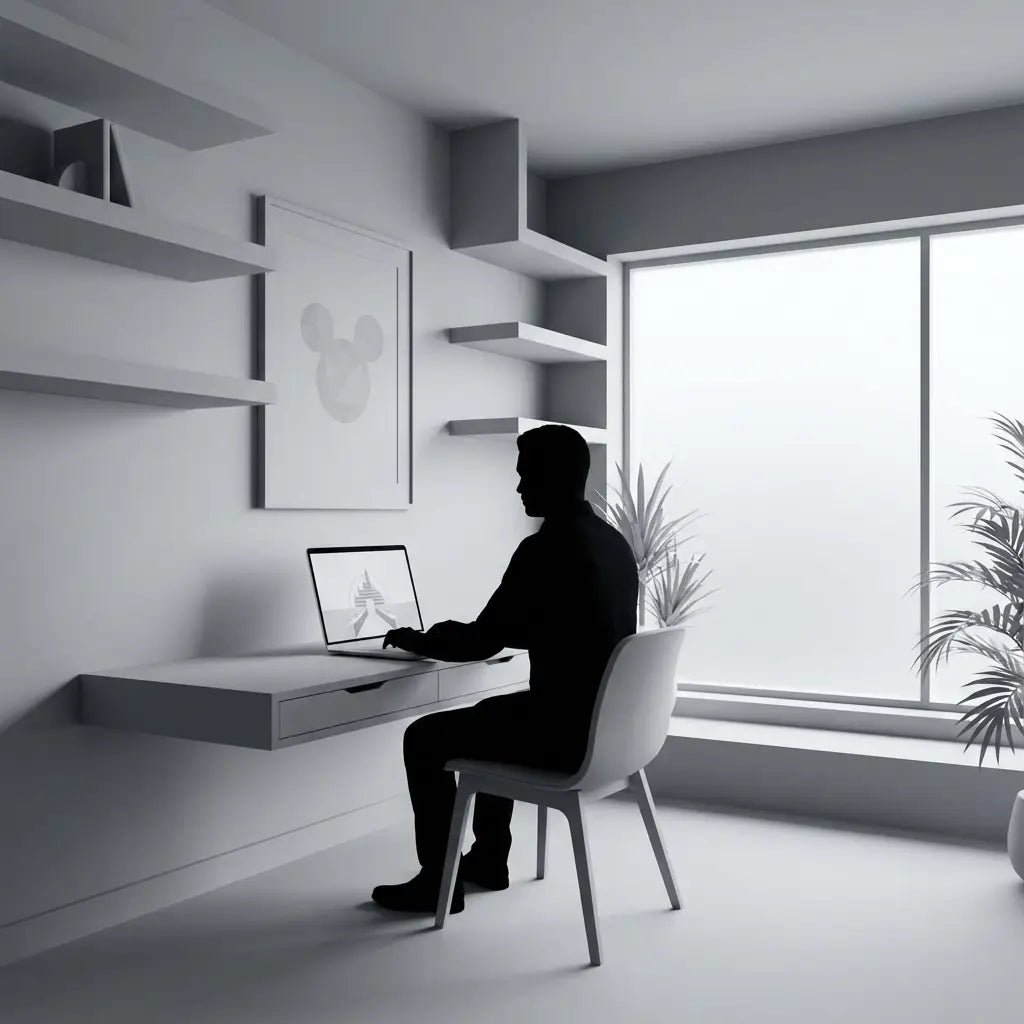
Lighting coordination: Pay attention to the lighting in your chosen background and try to match it with your actual lighting setup. If your Disney background shows bright daylight, make sure your space is well-lit too.
Troubleshooting Common Issues
Sometimes technology doesn't cooperate with our Disney dreams. Here are solutions to common problems:
Background not working smoothly: This usually means your computer is struggling with the processing power needed. Try using a simpler background or ensure other applications aren't running in the background.
Looking washed out: The virtual background might be interfering with your appearance. Adjust your actual lighting or try a different Disney background with different color tones.
Colleagues can't see the magic: Some older versions of Zoom or certain devices don't support virtual backgrounds well. Consider upgrading if Disney backgrounds are important to your work-from-home happiness!
Making Disney Backgrounds Work for You
The secret to successfully using Disney Zoom backgrounds in professional settings is confidence and appropriateness. When you choose backgrounds that reflect your personality while respecting your workplace culture, you create an environment where both you and your colleagues can enjoy a little magic during the workday.
Remember, the goal isn't to turn every meeting into a Disney celebration: it's to add a touch of joy and personality that makes your virtual presence more memorable and engaging. A well-chosen Disney background can be the perfect conversation starter, stress reliever, and reminder that work can still have moments of wonder.
Whether you're channeling the innovation of Tomorrowland for a tech meeting or the timeless elegance of Main Street for a client presentation, Disney Zoom backgrounds offer endless possibilities to bring magic to your professional life. So go ahead, let your Disney flag fly: your coworkers might just thank you for bringing a smile to their day!