

How to Create Your Ultimate Disney Villain Aesthetic in 5 Minutes (Phone, Desktop & Social Media)
Ready to embrace your dark side? Creating a stunning Disney villain aesthetic across all your devices doesn't have to take hours of planning. Whether you're team Maleficent, crushing on Cruella, or vibing with Ursula, you can transform your digital world into a wickedly magical experience in just five minutes flat!
Let's dive into the quickest ways to bring that delicious villain energy to your phone, computer, and social media profiles. Trust me, once you go villain, you never go back! ✨
Step 1: Choose Your Villain Vibe (30 seconds)
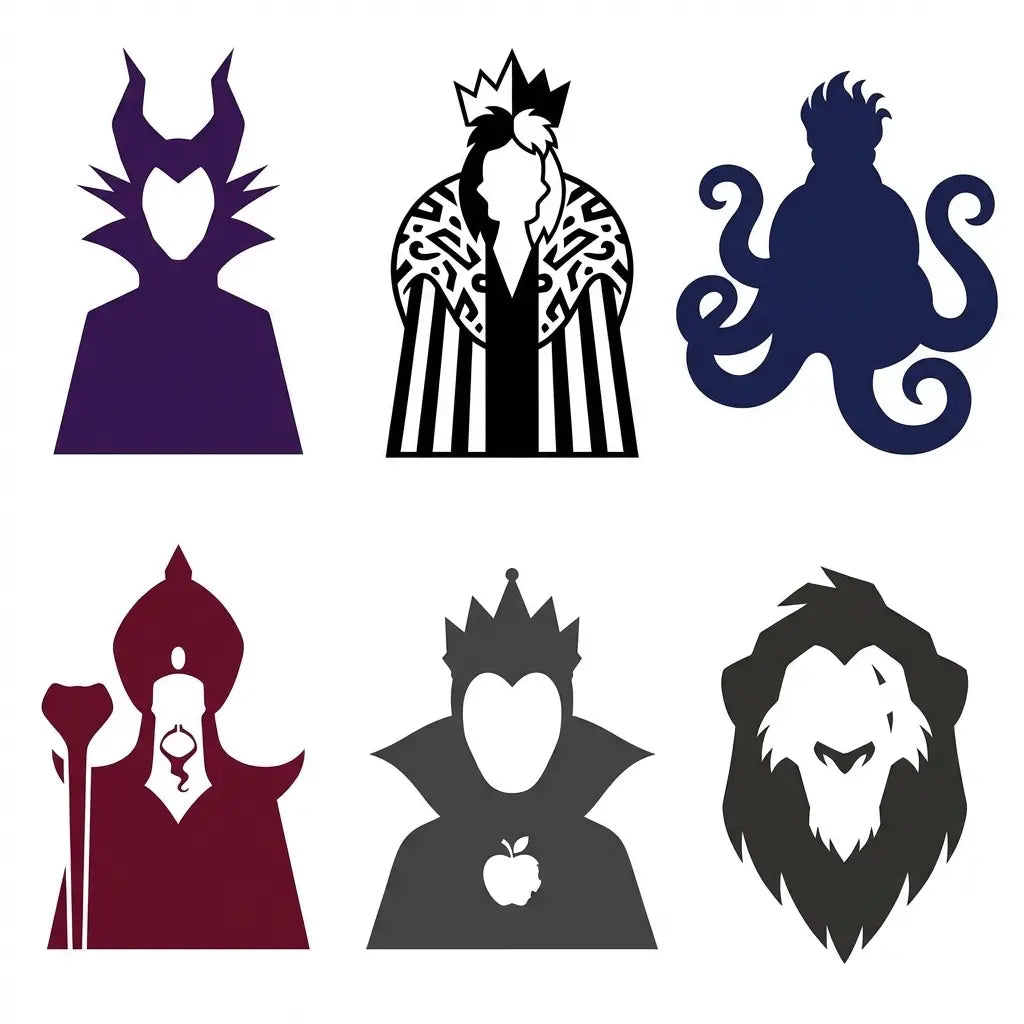
Before we start customizing, pick your poison! Each Disney villain has their own signature aesthetic that'll guide your color choices and overall theme:
Maleficent: Deep purples, emerald greens, and dramatic blacks with gothic elegance Cruella De Vil: Bold black and white with pops of red and luxurious fur textures
Ursula: Deep ocean blues, purples, and tentacle-inspired curves Jafar: Rich reds, golds, and mysterious desert vibes Evil Queen: Royal purples, deep blues, and mirror-like silver accents Scar: Earthy browns, burnt oranges, and savanna-inspired textures
Got your villain? Perfect! Now let's make some magic happen.
Step 2: Phone Makeover Magic (2 minutes)
Your phone is probably the device you see most throughout the day, so let's make it count!
Wallpaper Wizardry
Head to your phone's wallpaper settings and search for your chosen villain. Most phones have built-in wallpaper collections, or you can quickly grab one from Pinterest or Google Images. Look for:
- Official Disney promotional art
- Minimalist villain silhouettes
- Color gradient backgrounds in your villain's signature palette
Pro tip: For iOS users, try the "Live Photos" feature with subtle villain animations. Android users can explore dynamic wallpapers that shift throughout the day!
App Organization With Attitude
Create folders using your villain's color scheme:
- Maleficent folder: Social apps (Instagram, TikTok, Snapchat) with a purple folder
- Evil schemes: Work apps (email, calendar, notes) in dark colors
- Magic mirror: Photo and editing apps in silver or black
Widget Wonderland
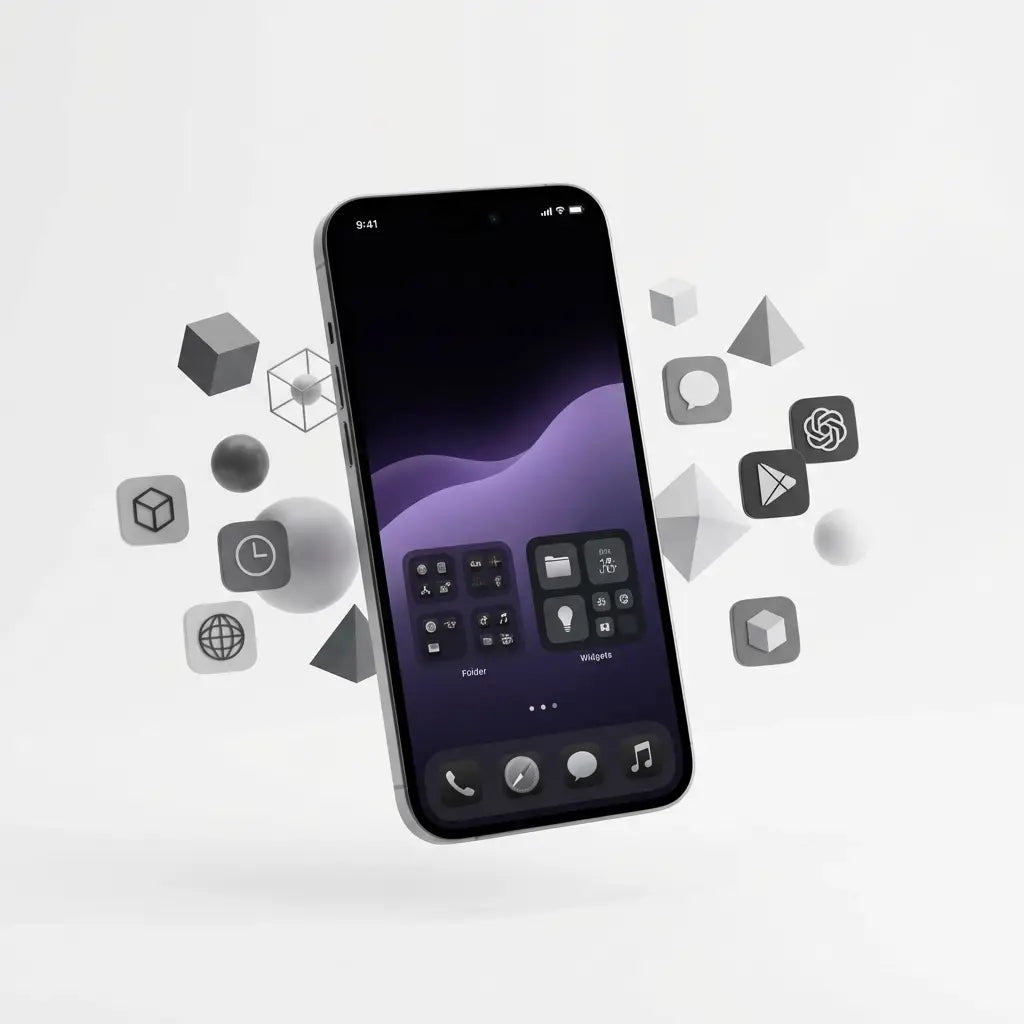
Add widgets that match your aesthetic! Weather widgets with dark themes, calendar widgets in your villain colors, or even a black-and-white clock widget for that Cruella vibe.
Step 3: Desktop Domination (1.5 minutes)
Your computer desktop deserves the villain treatment too! Here's how to transform it fast:
Background Brilliance
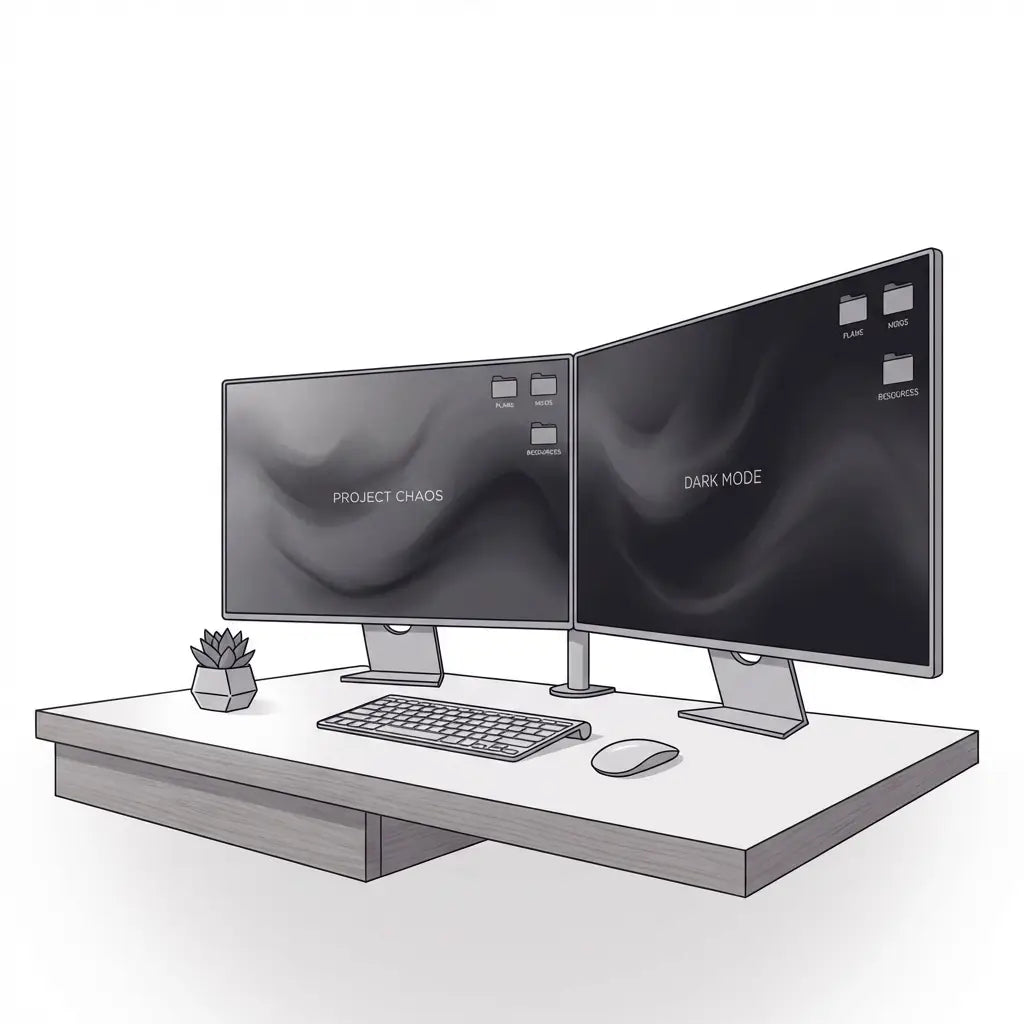
Download a high-resolution villain wallpaper that matches your screen size. Websites like Wallpaper Abyss or Disney's official galleries have stunning options. For dual monitors, try:
- Split scenes (like Maleficent on one screen, her castle on the other)
- Panoramic villain landscapes across both screens
- Matching gradient backgrounds in your villain's colors
Folder Fashion
Customize your desktop folders with villain-themed names:
- "Schemes & Dreams" (instead of "Work Stuff")
- "Potion Ingredients" (for your creative files)
- "Mirror Mirror" (for photos and media)
- "Dark Arts" (for your design tools)
Theme It Up
Change your system theme to dark mode if you haven't already – it's basically villain mode by default! Most operating systems let you adjust accent colors too, so pick something that screams your chosen villain.
Step 4: Social Media Sorcery (1 minute)
Time to let your followers know you've joined the dark side!
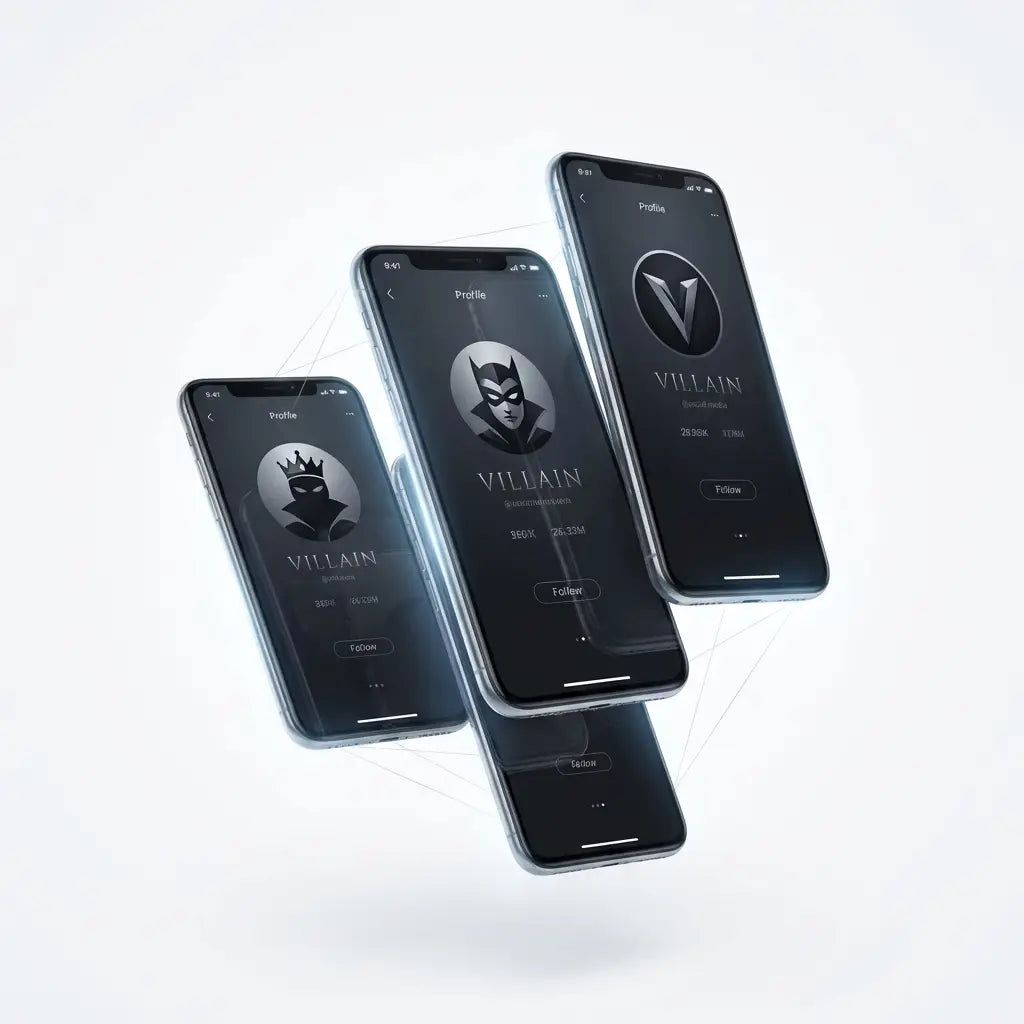
Profile Picture Power
Create a quick villain-inspired profile picture:
- Use apps like Canva or PicsArt for instant editing
- Add your villain's signature colors as a border or background
- Try silhouette effects or dramatic filters
- Include subtle villain symbols (like Maleficent's horns or Ursula's tentacles)
Bio Brilliance
Update your bio with villain flair:
- "Maleficent's apprentice ✨👑"
- "Living my best villain life 🖤"
- "Mistress of all evil... and great selfies 💜"
- Add relevant emojis: 🐉👑🔮⚡️🖤💜
Story Highlights Magic
Create Instagram story highlights with villain-themed covers:
- Use consistent color schemes across all covers
- Add simple villain silhouettes or symbols
- Name them creatively: "Schemes," "Magic," "Potions," "Lair Tour"
Step 5: Quick Aesthetic Touches (30 seconds)
These final touches will really tie everything together:
Notification Sounds
Change your text tone to something dramatic! Look for:
- Thunderclap sounds for storm-loving villains
- Mysterious chimes for magical villains
- Classic "mwahahaha" laughs (if you're feeling extra)
Keyboard Themes
Many phones let you customize keyboard themes. Choose dark themes with your villain colors, or even find Disney villain-specific keyboards in app stores.
Music Vibes
Create a quick villain playlist on Spotify or Apple Music. Include Disney villain songs, dark pop, and dramatic orchestral pieces. Name it something fun like "Villain Era" or "Dark Magic Vibes."
Pro Tips for Maximum Villain Impact
Consistency is key: Stick to your chosen villain's color palette across all platforms. This creates a cohesive look that's instantly recognizable.
Less is more: You don't need every single element to scream "villain." Sometimes subtle touches work better than going completely over the top.
Update seasonally: Switch between villains based on your mood or the season. Fall is perfect for Maleficent vibes, while summer might call for Ursula's ocean energy.
Mix and match: Who says you can't combine villain aesthetics? Create your own unique blend – maybe Maleficent's colors with Cruella's bold patterns!
Quality over quantity: Choose high-quality images and wallpapers. Pixelated villain art won't give you that premium evil mastermind vibe you're going for.
Keep the Magic Alive
Remember, creating your villain aesthetic is just the beginning of your magical transformation! Once you've got your devices looking wickedly wonderful, you can explore other ways to bring Disney magic into your daily life.
The beauty of a villain aesthetic is that it evolves with you. Maybe you start with Maleficent this month and switch to Jafar next month when you're feeling those desert prince vibes. The important thing is having fun and expressing your love for these iconic characters!
Your villain transformation is complete, and it only took five minutes! Now every time you check your phone, open your laptop, or scroll through social media, you'll be reminded of the magical world of Disney villains. Plus, your friends are definitely going to want to know how you created such a cohesive, stunning aesthetic so quickly.
Ready to take your Disney obsession to the next level? Check out more magical content and tips for living your best Disney life right here on our site. After all, whether you're embracing your inner villain or channeling your favorite princess, life's always better with a little Disney magic! ✨